




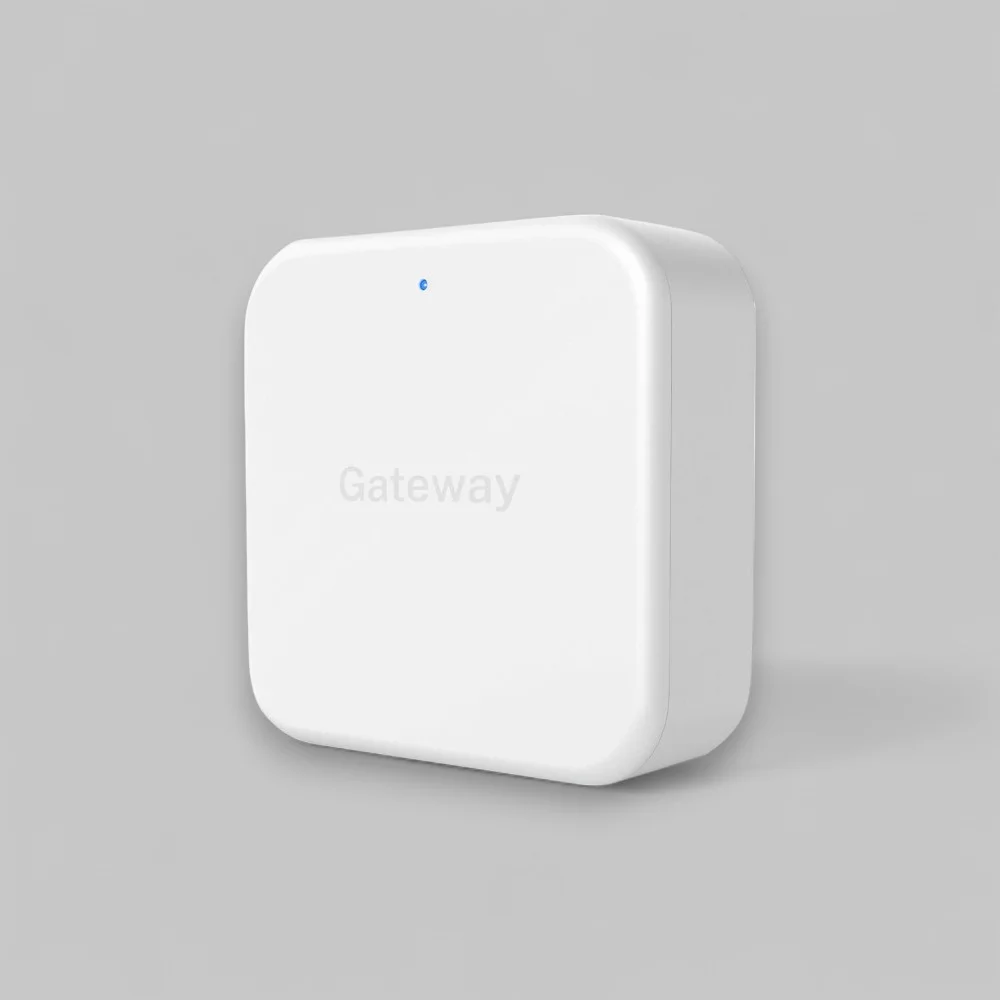

Philips EasyKey Gateway Home Access Application
350,00 د.إ
Enhance your home security with the Philips EasyKey Gateway Home Access Application. Connect the Philips Gateway to your Philips Smart Lock for full remote control via the Philips EasyKey App, available at zeki.ae. Manage PIN codes, check lock status, and get real-time alerts anytime, anywhere.
0
People watching this product now!
Description
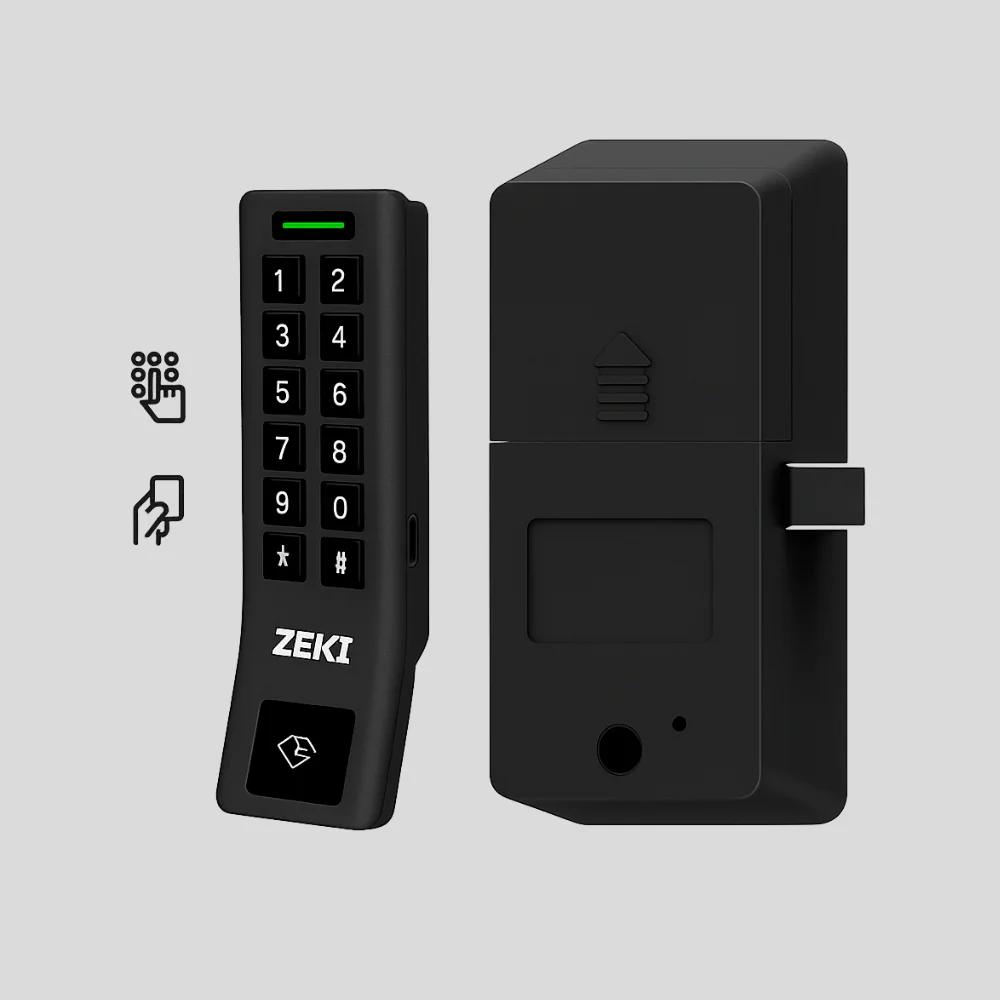
Upgrade your home security with the Philips EasyKey Gateway Home Access Application, a smart connectivity solution designed to bring seamless remote control to your Philips Smart Lock. When paired with the Philips Gateway, your lock becomes fully accessible through the Philips EasyKey App, giving you the freedom to manage your home’s entry from anywhere. Available on zeki.ae, this gateway ensures a safe, flexible, and user-friendly experience for modern households.
Real-Time Remote Monitoring
Once your Philips Smart Lock is connected to the network through the Philips EasyKey Gateway, you can instantly check your door status, lock or unlock remotely, and manage PIN codes directly from the Philips EasyKey App. Real-time updates allow you to track activity and stay aware of who enters your home, making everyday security more convenient and reliable.
Extended Battery Life for Consistent Performance
The Philips Gateway uses low-energy Bluetooth technology, allowing your smart lock to stay connected without draining power. This efficient design helps extend battery life and ensures that your smart lock continues to operate smoothly for long periods without frequent battery replacements.
Simple & Fast Plug-and-Play Setup
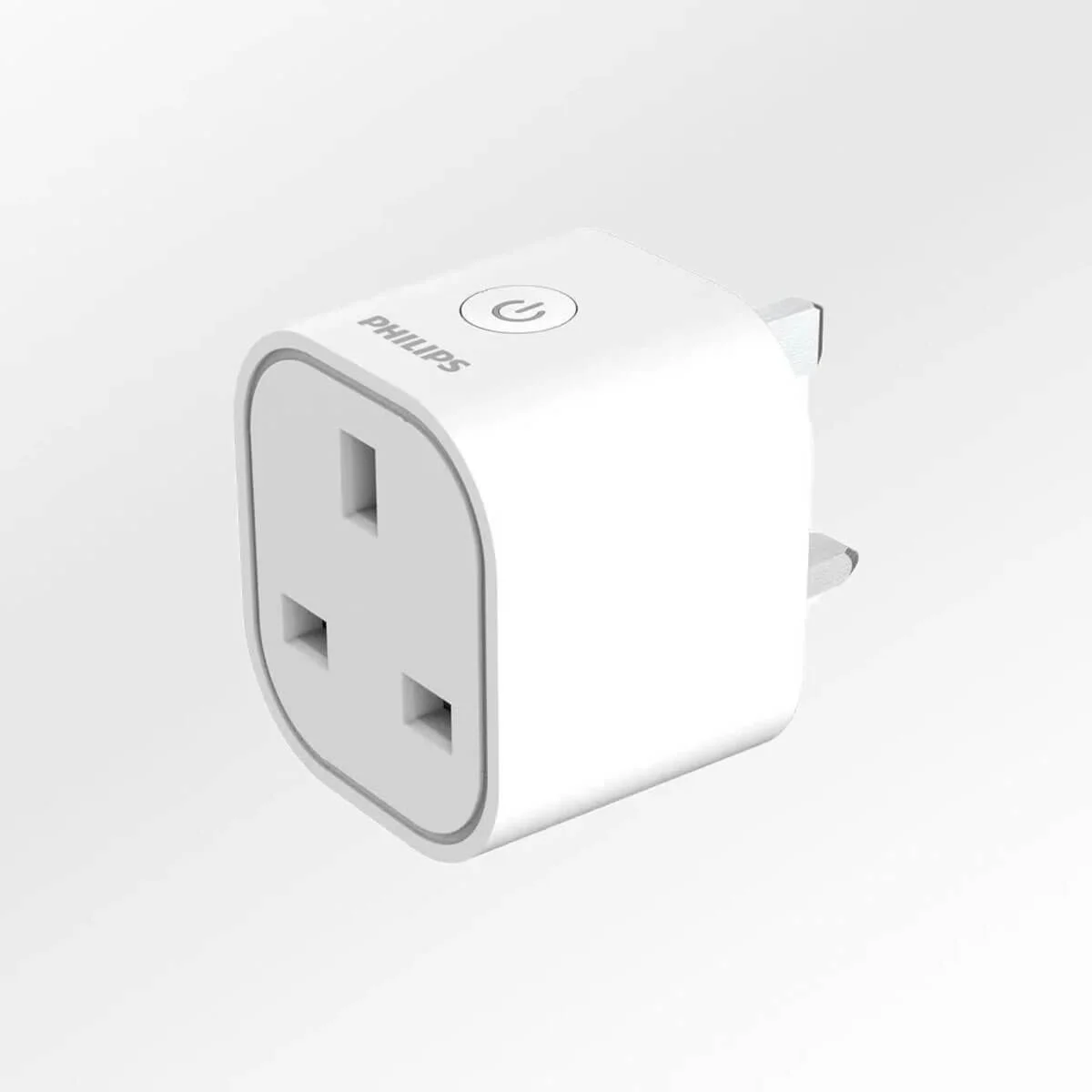
Setting up the Philips EasyKey Gateway Home Access Application is quick and effortless. Just plug the gateway into a power socket, open the Philips EasyKey App, and follow the steps to bind it to your Philips Smart Lock. In minutes, you’ll have access to remote control features, real-time monitoring, and customizable access settings — all designed to simplify smart home security.
FAQs for Philips EasyKey Gateway Home Access Application
1. What does the Philips EasyKey Gateway do?
It connects your Philips Smart Lock to the internet, enabling remote access, PIN management, and real-time monitoring through the Philips EasyKey App.
2. Does the gateway work with all Philips Smart Locks?
It works with supported Philips Smart Lock models that use Bluetooth, including popular residential models. Check your lock’s compatibility on zeki.ae.
3. Do I need Wi-Fi for the Philips Gateway to work?
Yes, the gateway requires a 2.4 GHz Wi-Fi connection to enable remote features and real-time updates.
4. Can I control my lock when I’m not at home?
Absolutely. With the Philips EasyKey App, you can lock or unlock your door, manage PIN codes, and monitor activity from anywhere.
5. Does using the gateway drain the lock’s battery faster?
No. The gateway uses low-power Bluetooth technology that helps preserve and extend the lock’s battery life.
6. How hard is the installation process?
Installation is simple: just plug in the gateway, connect it through the app, and pair it with your lock. No wiring or technical skills needed.
7. Will I receive alerts if someone enters my home?
Yes. You’ll get instant notifications through the Philips EasyKey App whenever the door is unlocked or accessed.
Related products

250,00 د.إ


Original price was: 650,00 د.إ.450,00 د.إCurrent price is: 450,00 د.إ.
Reviews
There are no reviews yet.